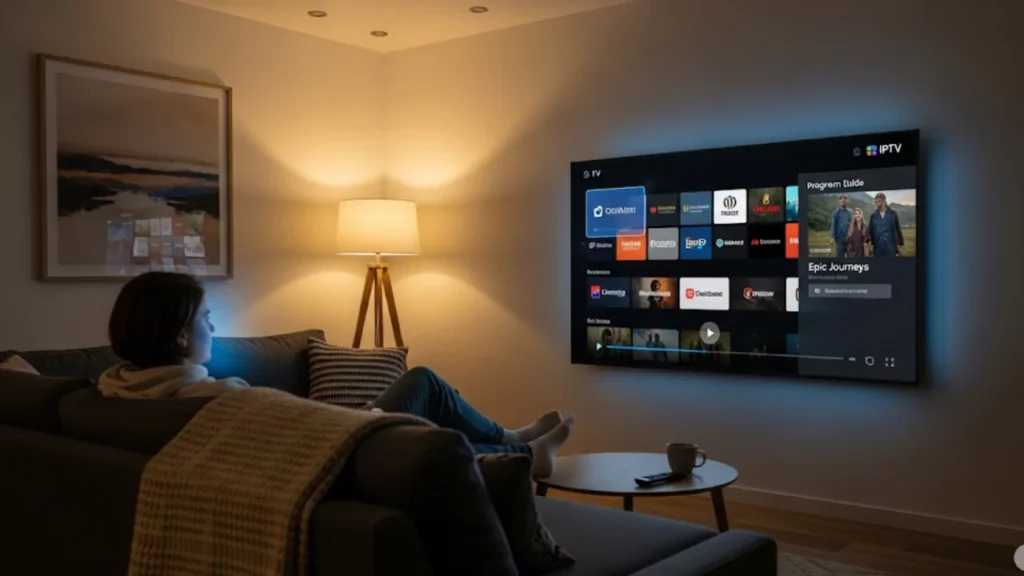
Missing your favorite shows from back home? With IPTV service, you can stay connected to the programs you love no matter where you are. It opens the door to many international channels. Watch live TV, movies, sports, and more from around the globe. IPTV uses your internet connection to bring worldwide entertainment right to your home. It keeps you connected to familiar shows, even when you’re far away.
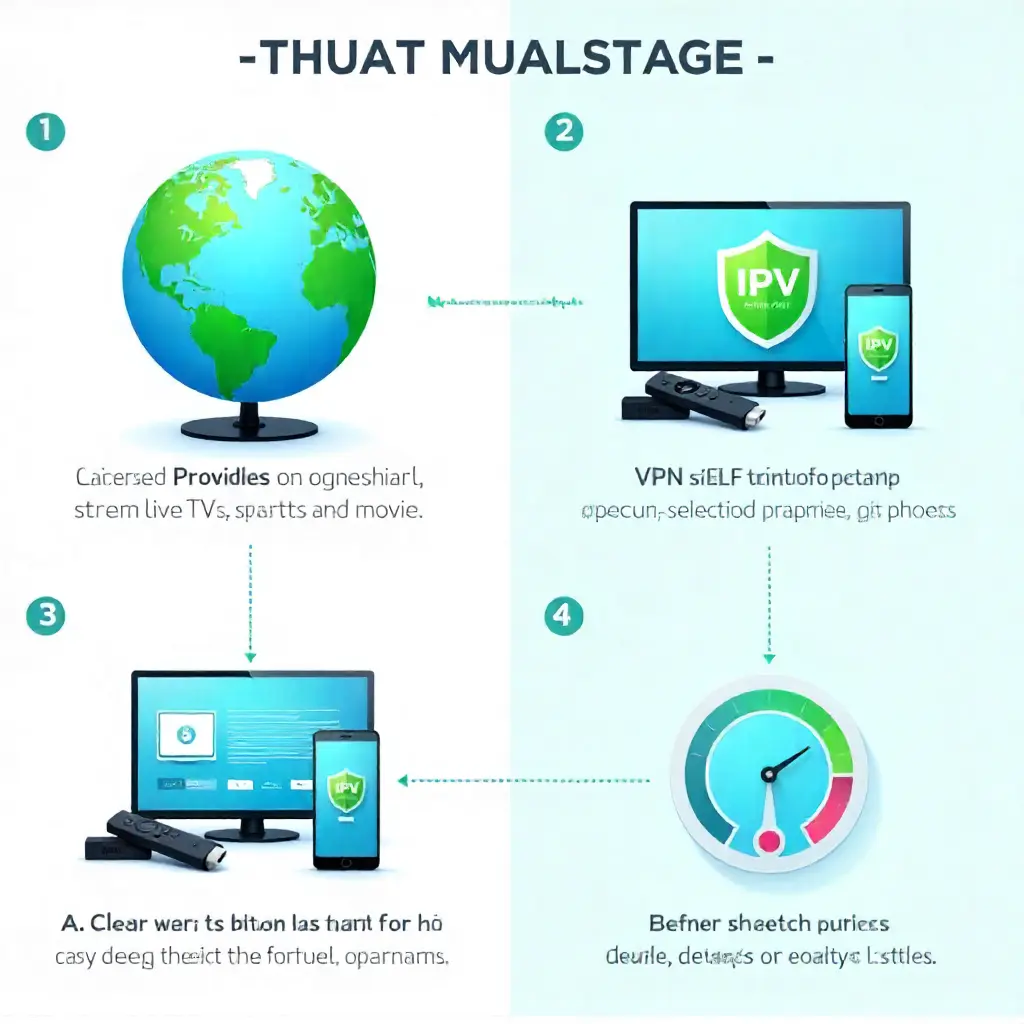
IPTV (Internet Protocol Television) lets you stream live TV and on-demand content from anywhere in the world using your internet connection. Simply choose a licensed IPTV provider, install their app on your smart TV, Firestick, or mobile device, and start watching. Use a VPN to bypass geo-blocks for restricted channels. Ensure your internet speed is fast enough for HD or 4K streams, and pick equipment that supports smooth playback. This setup keeps you connected to your favorite shows, sports, and movies no matter where you are.
What Makes IPTV Perfect for Global Content?
Understanding IPTV Basics
IPTV services deliver TV content using internet protocols instead of traditional broadcasting methods. Plans for IPTV subscriptions differ from those for traditional cable TV. You can access live channels, on-demand content, and video libraries from different countries. This flexibility is a key benefit. This streaming service technology transforms how we consume digital TV content.
The system converts TV signals into data packets. These packets then travel through content delivery networks. Your streaming devices receive these packets and decode them into watchable content. Popular IPTV apps like IPTV Smarters make this process seamless across various platforms.
Key Benefits of International IPTV
- Global Channel Access: Stream thousands of international channels from different regions
- Flexible Viewing: Enjoy catch-up TV, time-shifted TV, and extensive content libraries
- Multiple Device Support: Watch on smart TV, Android TV, Apple TVs, Fire TV Stick, and mobile devices
- Cost-Effective: Often cheaper than multiple regional cable subscriptions
- HD Quality: Many providers offer 4K content and HD channel options
IPTV channels offer content that you might not find with local cable companies. If you’re an expat, these services help you stay connected to news from home. They also provide you with access to entertainment from around the world.
How Do You Choose Quality IPTV Services?
Evaluating Service Provider Options

Research IPTV service providers carefully, as quality varies significantly across the market. Look for businesses that offer a range of channels, reliable customer support, and simple licensing terms. Established providers typically maintain better streaming quality and uptime.
Check reviews and testimonials from actual users in your area. Local internet service can affect performance. Feedback from nearby customers is valuable. Many providers have subscription plans. These plans suit different viewing needs and budgets.
Comparing Features and Pricing
- Channel Selection: Verify the provider includes your desired international channels
- Streaming Quality: Ensure support for HD feeds and 4K content where available
- Device Compatibility: Check if your set-top boxes and streaming devices work with it
- Trial Periods: Look for money-back guarantee options or free trial periods
- Customer Support: Test their responsiveness before committing to longer plans
Most reputable IPTV service providers offer multiple subscription plan tiers. Basic plans usually come with standard definition channels. With premium options, you enjoy 4K content. You also have better on-demand choices and new features for the electronic program guide.
What’s the Best Setup Process?
Installing IPTV Applications
To set up IPTV on your devices, you need to download specific IPTV apps or configure media players. For Android TV boxes and sticks, install apps from official stores whenever you can. Apple TVs might require alternative installation methods depending on the service provider.
Smart TV setups differ by brand, but most new TVs have IPTV apps in their app stores. For older TVs, think about using set-top boxes or dedicated Android boxes. These can help you access IPTV services easily.
Troubleshooting Common Connection Issues
- Buffering Problems: Check your internet speed and consider upgrading bandwidth
- App Crashes: Clear cache, restart applications, or reinstall IPTV apps
- Login Issues: Verify credentials and ensure your subscription remains active
- Regional Blocks: Implement VPN software to bypass regional limits
- Poor Video Quality: Adjust streaming settings or contact customer support
Connection stability depends heavily on your internet service provider and network setup. ISP throttling can hurt streaming quality. This is especially true during peak hours in your area.
Why Should You Prioritize Security?
Using VPNs becomes essential when accessing geo-restricted international channels. An IPTV VPN hides your location. This lets you access content that copyright holders might block in your area. Select VPN software whose servers are located in nations that offer the content you want.
Privacy protection extends beyond bypassing restrictions. Quality VPN services encrypt your streaming data, protecting viewing habits from potential monitoring. This proves especially important when using public Wi-Fi hotspot connections for mobile streaming.
Travelers can use Android TV stick devices with good VPN services. This way, they can access international content no matter where they are. IPTV roaming capabilities let you maintain your viewing preferences while away from home.
Pro Tips / Safety Advice
Always verify the legitimacy of IPTV service providers before providing payment information. Legitimate services maintain proper licensing agreements and offer clear terms of service. Avoid providers making unrealistic promises about channel availability or pricing.
Invest in quality equipment for optimal performance. Good streaming devices and a steady internet connection improve your viewing experience. New set-top boxes help too. Poor equipment often leads to frustration and subpar streaming quality.
Consider your internet data usage when selecting unlimited streaming plans. Streaming international channels uses a lot of bandwidth. This is especially true for 4K content and long viewing sessions.
Final Thoughts / Encouragement
Accessing international channels through IPTV opens up a world of entertainment possibilities. Choose the right service, use reliable equipment, and take basic security steps. This way, you can enjoy global content at home. Begin with a free trial to see if it works with your setup. After that, choose a subscription plan that fits your viewing preferences.
Be patient during setup. It will give you years of access to entertainment from around the world. Explore different IPTV apps and user interfaces. Find what suits your household’s viewing habits best.
Frequently Asked Questions
- Is IPTV legal in the United States?
Yes, IPTV is legal in the USA if the provider has proper licensing for all streamed content.
- How much does IPTV in the USA typically cost?
Prices usually range from $10 to $25 per month, depending on the service and features.
- Does IPTV have Netflix or Hulu?
No, IPTV services don’t include Netflix or Hulu; you need separate subscriptions for those.
- Which IPTV is best for Firestick?
Popular options for Firestick include IPTV Smarters, TiviMate, and XCIPTV Player.
- Is IPTV better than streaming services?
IPTV usually has more live channels. However, streaming services often provide better on-demand content and ensure legality.
About The Author