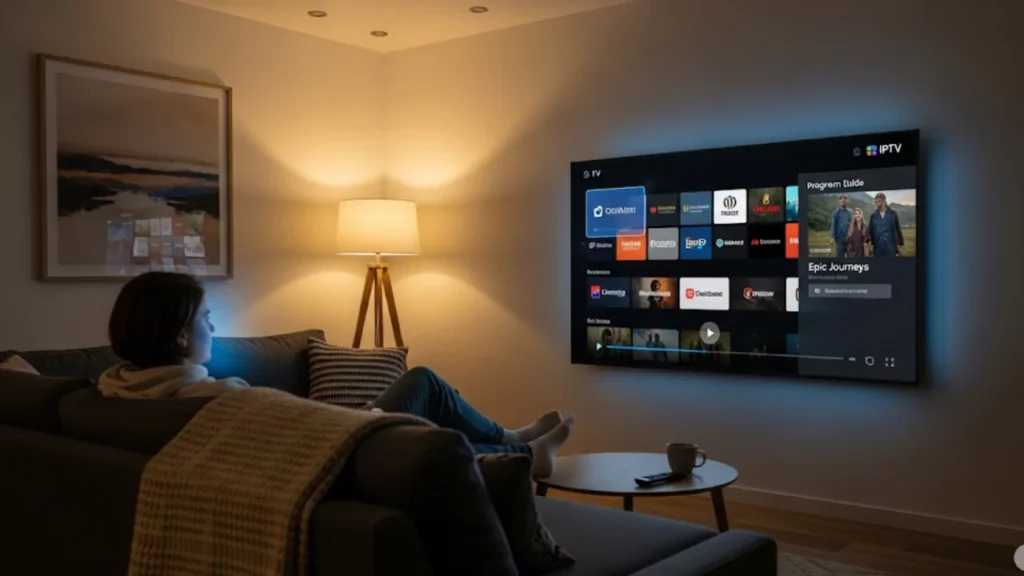
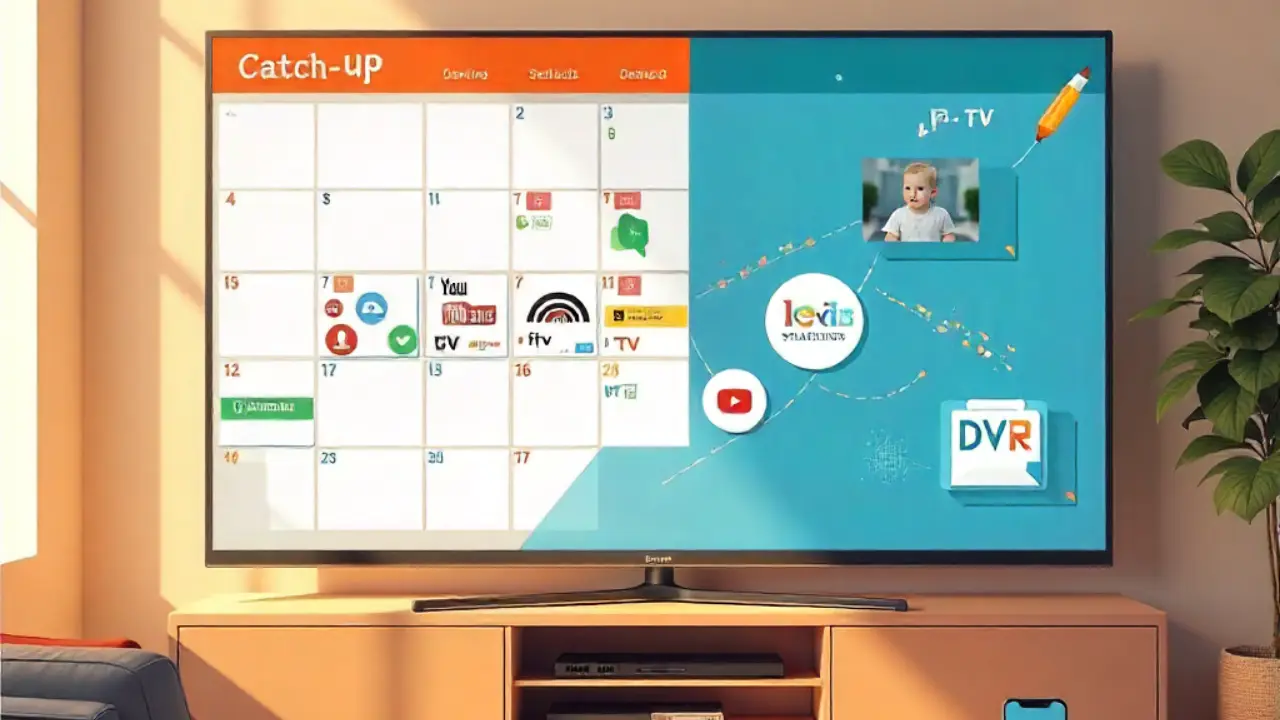
Life gets busy and you miss your favorite TV shows? IPTV’s catch-up television makes it simple to watch shows you missed. You don’t have to worry about recording or setting timers. This technology changes how we watch TV. It allows viewers complete control over when they choose to watch.
Catch-up TV on IPTV lets you watch shows you missed within 3–7 days after airing, no DVR needed. Services like Hulu + Live TV and YouTube TV, plus apps like IPTV Smarters Pro and TiviMate, make it easy to access missed content. Unlike traditional cable, it’s flexible, affordable, and works across devices like Fire Stick, Android, and Apple TV. Catch-up TV blends live and on-demand viewing, giving you control over what to watch, when you want.
What Makes Catch-Up TV Different on IPTV?
Definition and Basic Concept
Catch-up TV changes how we watch TV. It lets viewers access recent shows through their IPTV providers. Catch-up TV is different from traditional Video On Demand services. It focuses on shows that aired in the last few days. This feature bridges the gap between live TV and on-demand streaming services.
The technology blends perfectly with your current TV channels. This creates a complete entertainment experience. The majority of IPTV catch-up systems store content for three to seven days. Some providers may offer a longer period due to licensing agreements.
Evolution of Television Viewing
Television viewing has evolved dramatically from scheduled programming to flexible, user-controlled experiences. With traditional cable, viewers had to change their plans for broadcast times. They also needed to spend money on pricey recording equipment. Internet Protocol Television changed this dynamic entirely.
Smart TV integration lets you find catch-up shows right in your TV guide. This makes it easy to access what you want. The change from appointment TV to personalized viewing is a big shift in how we watch entertainment.
How Does IPTV Catch-Up Actually Work?
Recording and Storage Mechanism
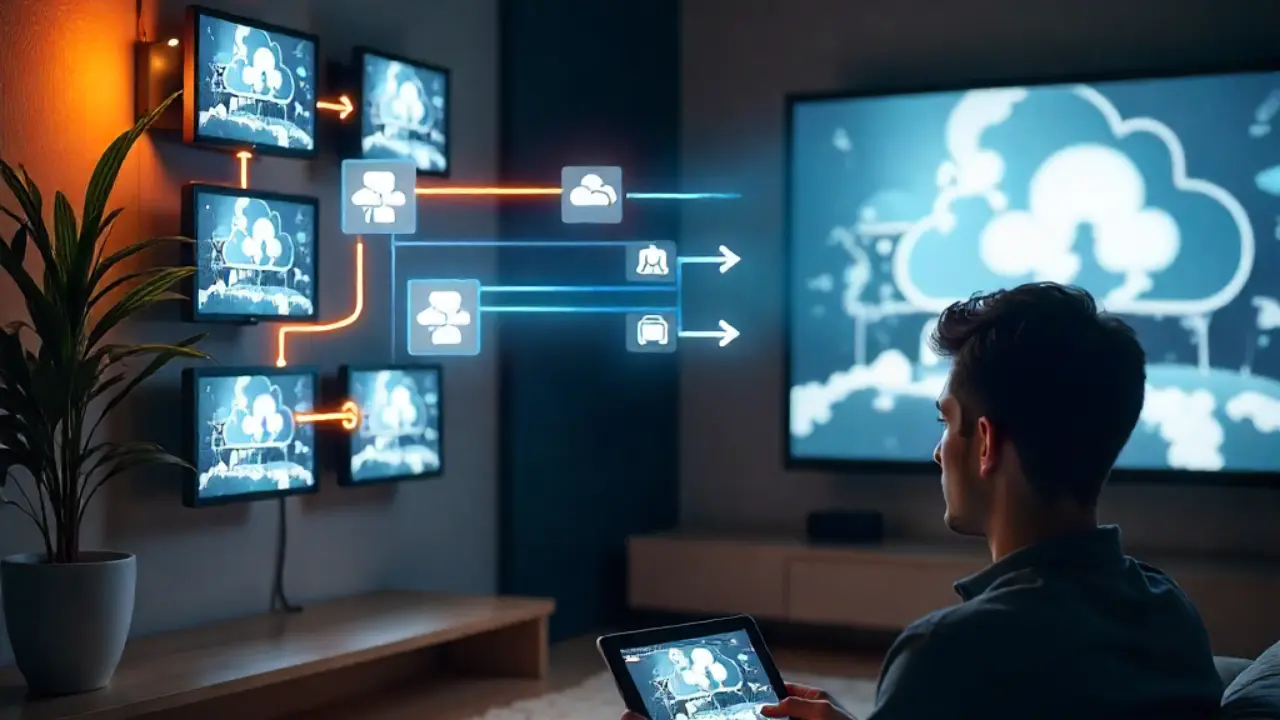
IPTV service providers use smart recording systems. These systems automatically capture live TV broadcasts from many channels. This means users don’t need to save shows themselves or rely on set-top box recording. This is handled by the Xtream Codes API, which controls user access and content delivery. Choose a catch-up program to watch pre-recorded content from the provider’s servers.
Typical Availability Period
Most catch-up television services keep content for about seven days after it first airs. The Content Availability Window depends on the provider and the content type. Some sports channels offer longer replay periods for major events.
- Premium content may have shorter availability windows due to licensing restrictions
- News programs often remain accessible for longer periods
- Local programming at your neighborhood community center might have different retention policies
- International content may follow different availability schedules
Which Devices Support Catch-Up Features Best?
Choosing the Right Device
Device selection significantly impacts your catch-up TV experience. Amazon Fire TV Stick works well with most IPTV apps. In contrast, Apple TV delivers top performance for supported streaming services. Android devices generally offer the most flexibility for third-party IPTV apps.
Smart home integration depends on the device. Some let you control them with your voice via a web browser or specific apps. Consider your existing ecosystem when choosing between streaming devices for optimal user experience.
Popular Apps: IPTV Smarters Pro, TiviMate
IPTV Smarters Pro is a complete solution. It supports catch-up features on many platforms. The Smarters app has special catch-up sections. It has an Electronic Program Guide. Additionally, it provides tailored suggestions according to your viewing preferences.
- TiviMate IPTV Player: Provides top-notch catch-up features. You can choose between Grid EPG View and Single EPG View options.
- Perfect Player: Provides basic catch-up functionality with simple user interface design
Both apps support M3U line imports and Xtream playlist setups. This makes it easy for users who know IPTV Simple clients.
How Can You Configure Catch-Up TV?
Using Xtream Codes API
The Xtream Codes system is the core of many professional IPTV catch-up setups. Configuration typically requires your provider’s API credentials, server information, and user authentication details. The majority of contemporary applications use guided wizards to manage this setup.
Advanced users can set custom buffer sizes. They can also adjust bandwidth congestion settings for better performance. The API handles content indexing, availability windows, and user access permissions automatically.
Playlist Setup
M3U file configuration remains the most common setup method for catch-up TV functionality. Your IPTV service providers usually offer special playlists. These include catch-up links and live TV channels. These files contain metadata indicating which programs support time-shifted viewing.
To set up, import your playlist using the app you picked. Check if the catch-up icon is available. Then, test how it works with different TV programs. During initial playlist processing, the majority of applications automatically identify catch-up capabilities.
What Common Issues Might You Encounter?
Buffering Problems
Buffer size limits can hurt catch-up TV performance. This gets worse when many people use it at once. Adjusting buffer size settings in your application preferences often resolves playback interruptions. Consider your internet speed capabilities when configuring these parameters.
For catch-up TV to function smoothly, network optimization becomes essential. Many buffering issues stem from insufficient bandwidth allocation rather than device limitations.
Network Connectivity Issues
Stable internet connections remain essential for reliable catch-up TV functionality. Catch-up content needs more steady bandwidth than live TV streaming. This is because it allows for seeking and fast-forwarding. Monitor your connection quality during peak usage times in your area.
Device Storage Constraints
Catch-up TV doesn’t need local storage for content. Apps do, however, save user preferences and program guide information. Make sure there’s enough space for application data and temporary files. This matters a lot for devices like the Amazon Fire TV Stick since it has limited storage.
Why Choose Catch-Up TV Over Alternatives?
Flexibility in Viewing
Catch-up TV eliminates the stress of missing important programs due to scheduling conflicts. Parents can tune in to their kids’ school performances on local channels. Professionals can easily catch up on key news and sports highlights.
This flexibility goes beyond just convenience. It helps families enjoy shared viewing experiences even with different schedules. The technology adapts to modern lifestyles rather than requiring lifestyle changes.
Access to Live and On-Demand Content
The combination of live TV and catch-up functionality creates a comprehensive entertainment ecosystem. Users can quickly access breaking news and also revisit key segments later. This dual approach satisfies both real-time and time-shifted viewing preferences.
- Immediate access to breaking news and live events
- Ability to rewatch complex educational content
- Flexibility for families with varying schedules
- No need for separate recording equipment or Cloud DVR subscriptions
Cost Savings Compared to Cable
IPTV solutions that include catch-up features are cheaper than regular cable packages. They remove costs like equipment rentals, installation fees, and pricey recording plans. OTT platforms provide more content options at lower prices. This makes them a better choice for viewers on a budget.
What Are the Main Limitations?
Storage Limitations
Unlike personal recording solutions, catch-up television relies entirely on provider storage infrastructure. Users cannot extend retention periods or prioritize specific content for longer storage. This limitation particularly affects viewers who prefer to maintain personal content libraries.
Content Availability Period
- Catch-up TV is temporary. Viewers need to watch content within set timeframes
- Content licensing agreements often limit how long programs are available. This puts pressure on viewers to watch before they expire
How Does It Compare to Cable?
Cost Comparison
Traditional cable services with full DVR features typically cost $80 to $150 a month. In contrast, IPTV solutions with catch-up TV are more affordable, ranging from $20 to $50. You can see the different costs for equipment rental, installation, and premium channel packages.
Streaming services like Sling TV and Fubo TV have middle-range prices. They have some catch-up features. However, their content libraries are smaller than full IPTV options.
Content Library and Accessibility
Cable systems provide a wide range of content. However, they depend on physical infrastructure and are restricted by geography. IPTV catch-up TV gives you access to global content and international programming. It also has special channels that you won’t find with regular cable providers.
Accessibility features can be quite different. Many modern IPTV solutions provide improved closed captioning. They support different languages and adjust streaming quality as needed.
Which Services Offer the Best Experience?
Hulu + Live TV
Hulu with Live TV offers a mix of streaming library shows and live TV. It also has great catch-up features. The service runs programs for long periods. It also connects live and on-demand content smoothly.
The platform’s AI helps you find new content. It also suggests recommendations tailored to your viewing patterns. Integration with the broader Hulu ecosystem creates added value for subscribers.
YouTube TV
YouTube TV stands out with its great catch-up features. You’ll never miss your favorite shows. With unlimited Cloud DVR, you can record without worrying about storage. Unlike traditional catch-up services, YouTube TV offers extended access for more flexibility. Sports fans will enjoy the highlight reels and full game replays. You can catch every moment whenever it fits your schedule. Staying up to date on entertainment and sports has never been easier.
Pro Tips for Optimal Experience
Configure your applications during off-peak hours to ensure optimal performance during setup. Test the catch-up feature with various content types. Until you do, don’t depend on it for crucial programming.
Think about backup viewing options for important content. Catch-up TV relies on your provider’s setup and internet connection. Update apps regularly. This helps them work smoothly with new streaming protocols and content protection systems.
Final Thoughts: Embracing Flexible Viewing
Catch-up TV on IPTV is the future of watching TV. It gives you great flexibility while still keeping high-quality and diverse content. The fear of missing important programming is eliminated by the technology. It also offers budget-friendly options compared to regular cable services.
Start with well-known streaming services like Hulu + Live TV or YouTube TV. They offer catch-up TV features. Once you’re familiar, you can look into more specialized IPTV options. The learning curve is small. However, the convenience changes how you watch TV.
Frequently Asked Questions
- How do I get catch-up TV?
You can watch catch-up TV using apps, smart TVs, or IPTV services. Just connect to the internet. - Is catch-up TV free to watch?
Yes, many channels provide free catch-up services. However, some premium content may need a subscription. - What channels are on catch-up TV?
Popular networks like BBC, ITV, Channel 4, and others provide catch-up services. - What is catch-up television?
Catch-up TV lets you watch shows and programs after they have aired live. - Does catch-up TV need internet?
Yes, you need an internet connection to stream catch-up TV content.
About The Author